Drums
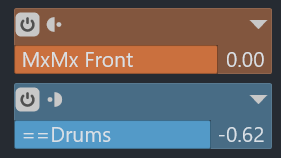
"==Drums" is used for Kick and Snare rather than all the drums. It's sent pre-fader (blue colour rather than orange and the icon points the other way), as we don't want to reduce the amount sent to the parallel bus if the original amount is reduced. This is controlled independently using the "==Drums" send amount, the subtle -0.62dB in the example below.
The Parallel Drums bus has three effects applied to make it "better". You can apply anything: indeed, the things below might not suit.
Delay
I used a subtle slap-back echo, dialled quite low. Cubase stock Stereo Delay can do similar. (not shown)
Compression
A bit of oomph was added with a FET style compressor, another instance of Vintage Compressor with a "Punchy Drums" preset to start. (not shown)
Saturation
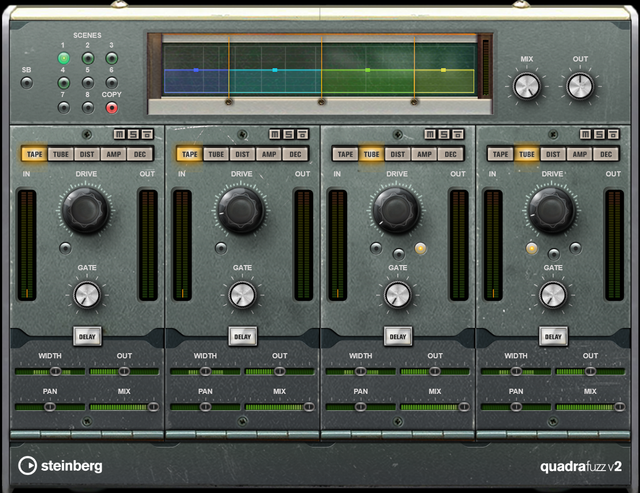
I used Quadrafuzz v2 with a "Drum Group Fuzz" preset.
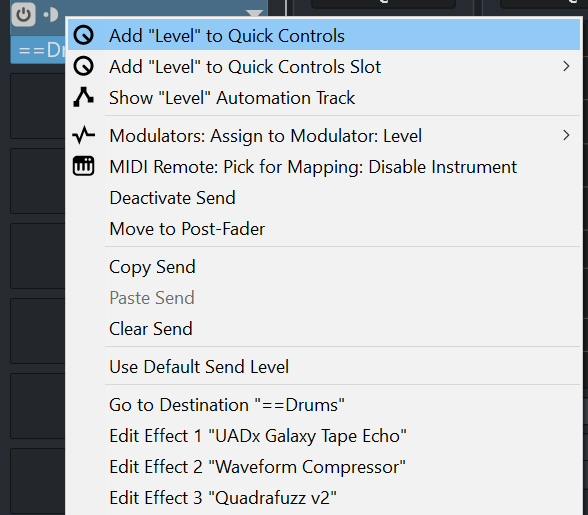
n.b. If you right-click on the blue Send panel in the Channel settings, there's a 'Go to Destination "==Drums"' option together with direct "Edit Effect 1 ..." options if you know where you're heading.
Bass
The "==Bass" send has a few things:
EQ
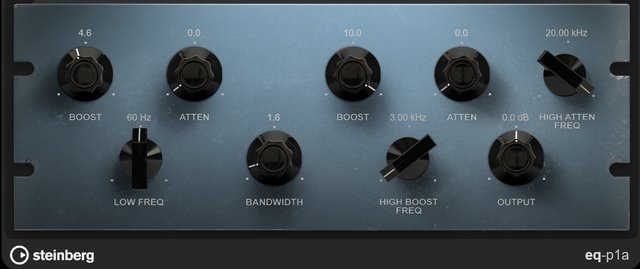
The retro EQ (Pultec) we looked at has a stock Cubase equivalent, eq-p1a. It's for tone rather than correction. Start with the "Rock Bass" preset and wibble. This is the one you can boost and attenuate the same frequency.
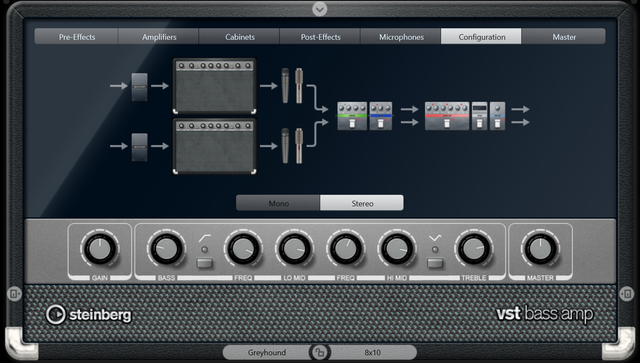
Bass Amp
Lots of presets to try: "Dream Bass" in this song. In this case to add warmth.
Vari-Mu Compressor
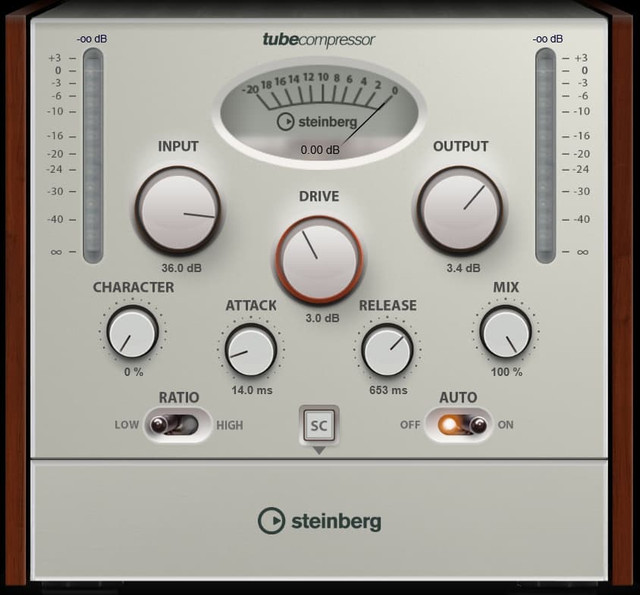
These compressors add glue, warmth and saturation (whilst adding a bit of weight). In Cubase we have "Black Valve" and "Tube Compressor". Lots of bass presets to start from. Only a few dB required on the meter; Input and Output meters largely balanced (we're not after volume per se but the saturation etc. that shoving it through a tube compressor gives).
Saturation
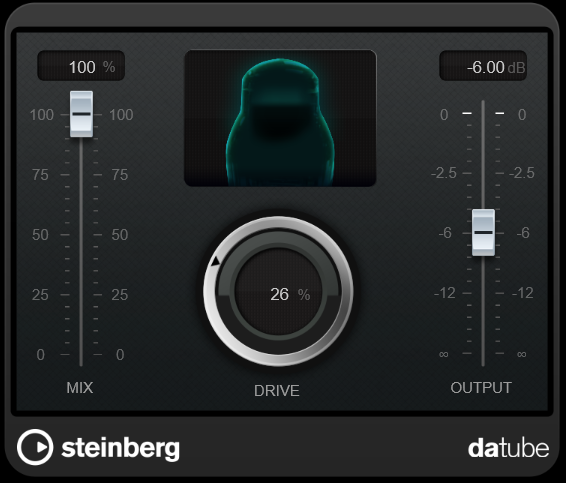
Bass Amp and Tube Compression not enough? They probably are. But another Quadrafuzz instance or the simpler Da Tube to season, to see what the difference is. How else do you find your favourites?
Vocals
The "==Vocals" channel is just for Lead Vocals. No need to enhance the BVs. I have just a Tube Compressor (like the Bass in 4.2.3) and an EQ toner (like the Bass in 4.2.1).
This might not seem much but the main, original Vocals have the vocal chains applied too. This section is just about the Parallel polish.