| Created: | Aug 2026 |
| Reviewed: | - |
| To do: | Mostly everything. |
We're to set up sends for Front, Middle and Back plus Room Tone. The first three to define depth so things sound spread out in that dimension; the Room Tone to bring them back together sonically!
Add 3 Effect tracks:
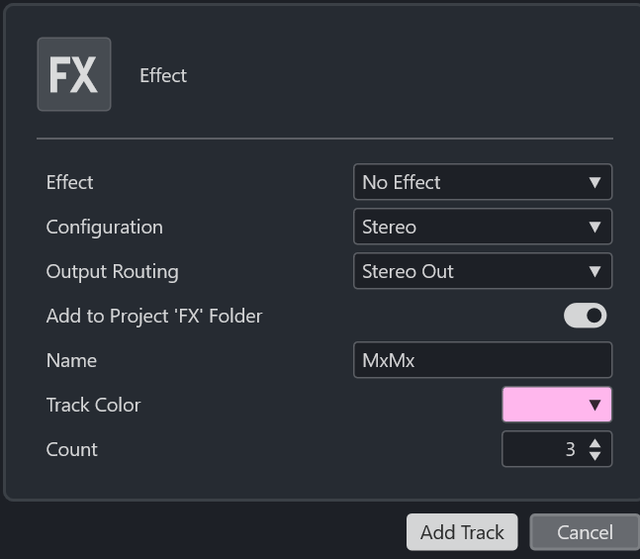
This will name them 01, 02, 03 - rename as "MxMx Front" etc. n.b. MxMx as shorthand for "Mix Matrix". "No Effect" is ok at this point.
We'll set up the Front in the desired space: a room, hall, church, stadium - whatever suits the track. Once we have that, we'll copy to Middle and Back and adjust to make them further away.
Route your core instruments to "MxMx Front". Send the whole signal from these post-fader - we want it to appear in that space balanced as per the mix.
Loop a section to listen to whilst the Front is prepared.
For my song I just used Reverb but other treatments may be valid for the "Front" sound ... and/or they may only be necessary for Middle/Back spaces. More on these later.
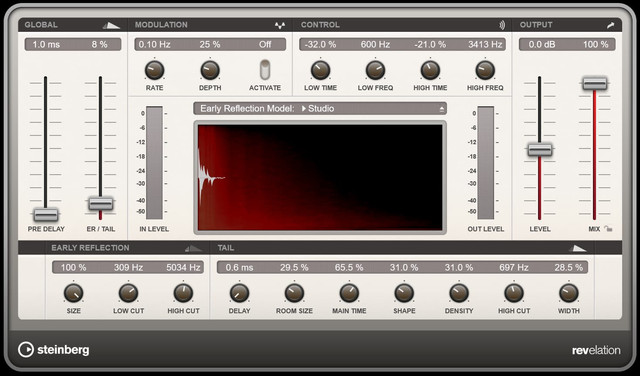
I started with a Steinberg revelation reverb, "Ambience Bright" preset. [revelation and RoomWorks have the algorithmic flavours (generated by maths); reverence is the convolution style (based on IR recordings). Either should work.]
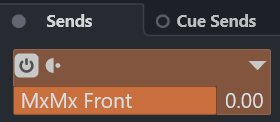
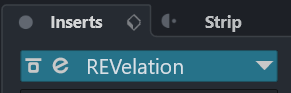
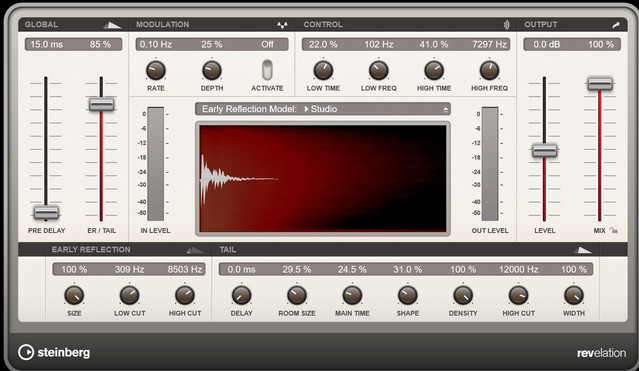
It felt appropriate for the softish song: a late-night bar, the band set up in the corner, nobody listening. That sort of thing. I wibbled the ER, Size, Time etc. to taste.
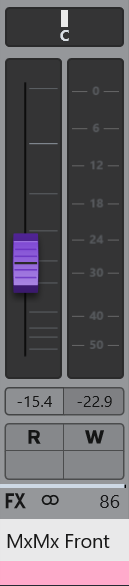
Set the "MxMx Front" fader level so that those instruments feel like they are, er, at the front.
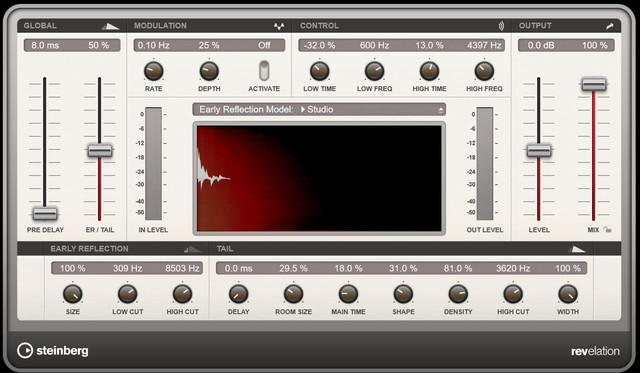
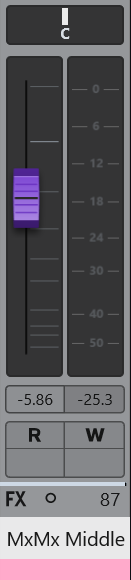
Copy the Reverb instance to the "MxMx Middle" channel. Then adjust the reverb settings to make them less-Front, more Middle. You can do this while listening to the core instruments, by routing them temporarily, or by listening to the ones that will actually be in the Middle (guitar, piano). Here's what I ended up with, spot the difference:
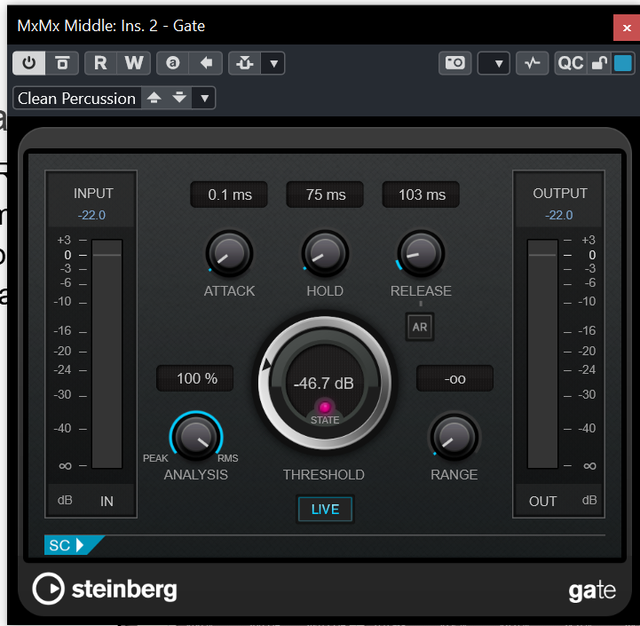
I also applied a Gate after this reverb, not for the 80s snare sound but to remove the tail more markedly. There may have been a setting in the Reverb that would have done similar, to be honest. It does highlight that you could add EQ or Compression or whatever to this Effect channel (or the other spaces) to get them sounding right.
The fader is set as before, this time for the overall balance on the Middle instruments. This one was at a higher value than for the "MxMx Front" effect fader - maybe as the underlying instruments were quieter they could take more Room placement treatment. Whatever.
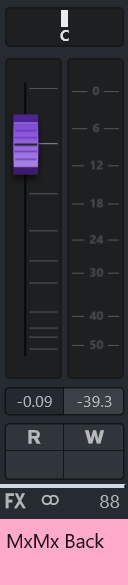
Isn't that a key on the keyboard? Anyhow, I copied just the reverb and adjusted it for back-of-the-roomness, listening to Core instruments and/or genuine back-of-the-room instruments (e.g. hi-hats).
This one didn't need the Gate, the reverb disappearing without it. It did allow for a higher fader level. If raising the level to get the correct sonic quality makes the overall effect too loud, reduce the instrument's source fader.
The 3 spaces are, by design, going to apply different sonic qualities. If things sound too disconnected and you want to bring them back into the same room, create a fourth send that can be applied across all the things as needed. Set it up as an Effect channel so the send amounts can be altered per instrument.
Now there's a depth added, the opportunity to apply width and height follows. N.b. if you add width to the core Front instruments they may trample the Middle/Back instruments that are peeping around the sides of the Front players. Width adjustment can include Mid/Side EQ. Height adjustment can include High-pass and Low-pass filters and/or dynamic EQ.