| Created: | Aug 2026 |
| Reviewed: | - |
| To do: | Mostly everything. |
The Kick drum in the loudest section (probably the Chorus) is set as the benchmark for the others to follow.
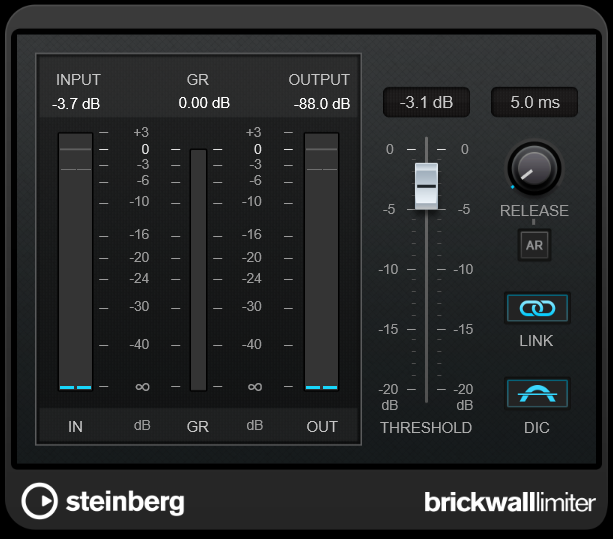
Add a Brickwall Limiter towards the end of your Stereo Out's Inserts. There may be other items added before this (for "Mastering"). This Limiter will stop anything too loud from getting through, ultimately to stop your output distorting but in the meantime to prevent any rogue signals causing harm whilst things are being prepared. I tend to set it at -3dB.
Add a Supervision Analyser just after the Brickwall Limiter with True Peak and RMS Signal meters.
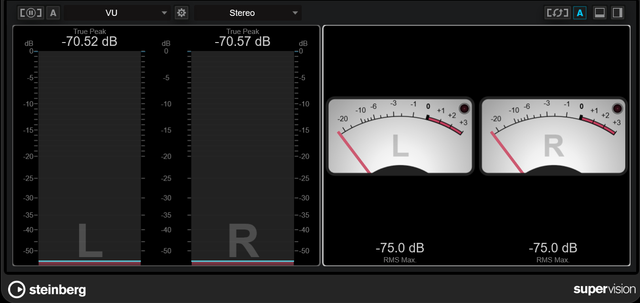

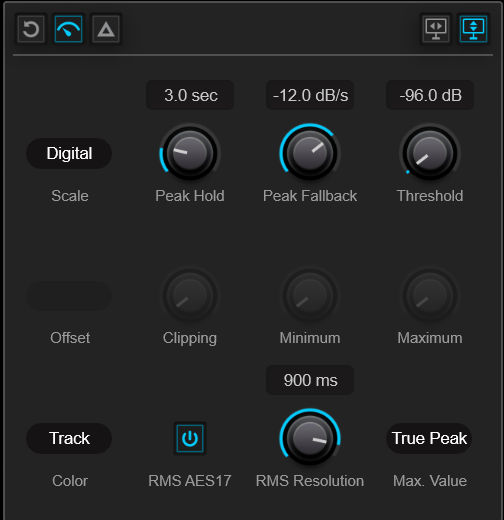
These are the settings for each, from the cog next to the menu. I think they're the defaults: the Level meter should show True Peak, the VU should show RMS Max, calibrated at -18dbFS.


We're after -5dB on the True Peak (TP), 0 on the VU. This is the balance between transients (picked up by the TP) and body, reflected in the average value that VU monitors. I applied Compression, EQ and Transient Shaping. The first tames any wild dynamics, the second removes unwanted low-end. The Transient Shaper did the work in this case as the Compression and EQ alone didn't come close (-5dB TP gave +5dBFS VU).
A fast acting compressor, "FET" style like Steinberg Vintage Compressor, to clip around 3dB helping to tame the dynamics overall.
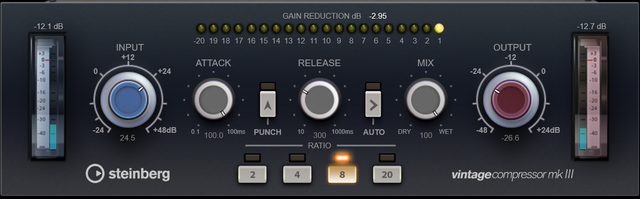
Setup:
An EQ (Frequency 2 or Studio EQ) that rolls off low stuff without crippling the energy. The Freq to use will depend on the Kick sound used.
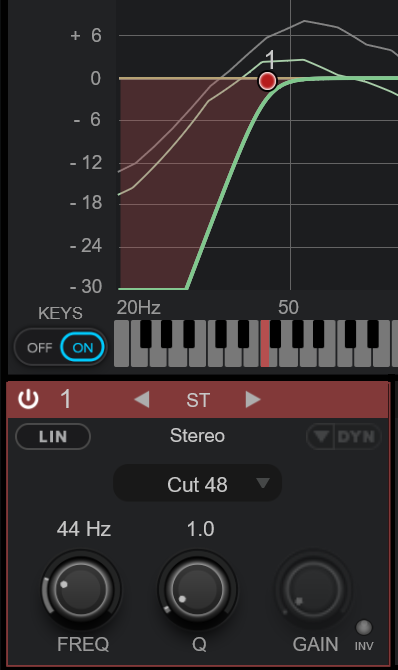
n.b. The better order, "EQ > Compressor" or "Compressor > EQ" is debatable. Some prefer to control the EQ, so the Compressor receives a "better" signal and works less hard. Others suggest taming the dynamics before rounding the sound. I tried both and for this Kick, it made no difference.
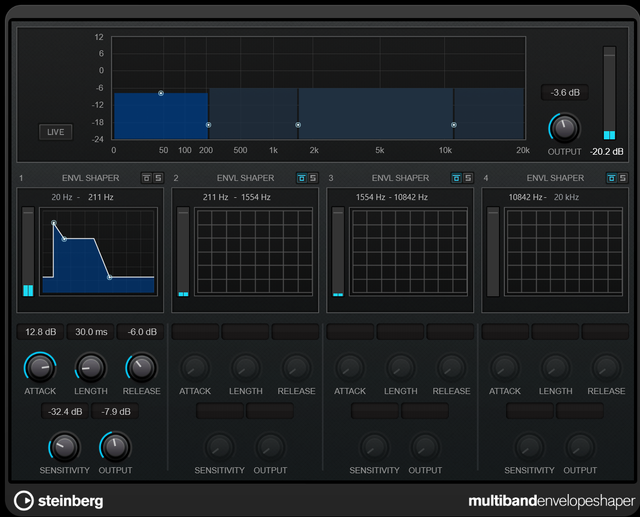
To maintain the transient (TP) whilst reducing the body (VU), for the low frequency band, reduce the Length (this feels like the "Decay" to me, in synth speak) as a starting point. Consider increasing the Attack and decreasing the Release whilst reducing the Low Frequency output. Not an exact science. n.b. If you spot a 5dB difference between TP and VU that isn't -5dB/0 (say, -8dB/-3dB or -2dB/+3dB), you can alter the Output to get to -5dB/0.
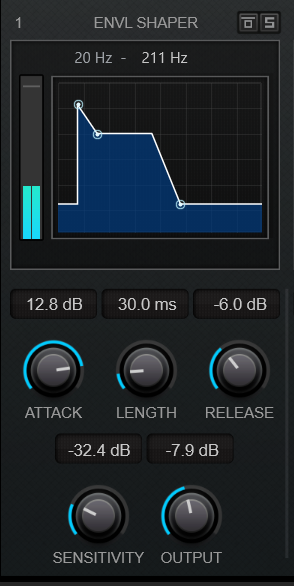
These are values that worked for a recent song. I didn't particularly like the large adjustments (+12.8, -6, -7.9) but they got me in the right place. n.b. Below "Length = 30ms" the sound disappears but proves you can reduce the transients and averages to a 5dB difference.
The main one to focus on is TP at around -5dB (as a balance to prevent clipping whilst allowing headroom) even if VU is a couple over.
Bring up the meters on the Snare. Bass, Vocals etc. so they fit with the Kick sound. If they need corrective treatment apply it individually, e.g. resonant frequencies, rogue dynamics. You're not trying to make things sound nice (e.g. wide or loud) at this point.